How to preview an email as a specific contact
Last updated: March 19, 2025
Overview
If you use personalization or templating syntax in emails, you may want to see precisely how your email will look to a specific contact.
You can use the email builder's dynamic preview to see an email as it will appear in a specified contact's inbox.
Read on to learn how to preview an email as a specific contact!
How to preview an email as a specific contact
You can select a specific contact to view an email as in the visual or text email builder.
To select a contact:
Click Preview in your email
On the right-hand sidebar under Contact Sample, select the Search radio button:
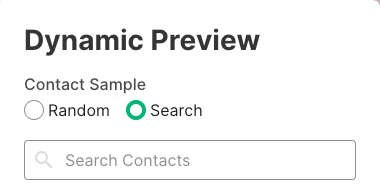
Search for your contact
Select the contact
Preview your email!