How to delete an automation
Last updated: February 28, 2025
Deleting an automation is permanent; there is no way to restore an automation once it is deleted.
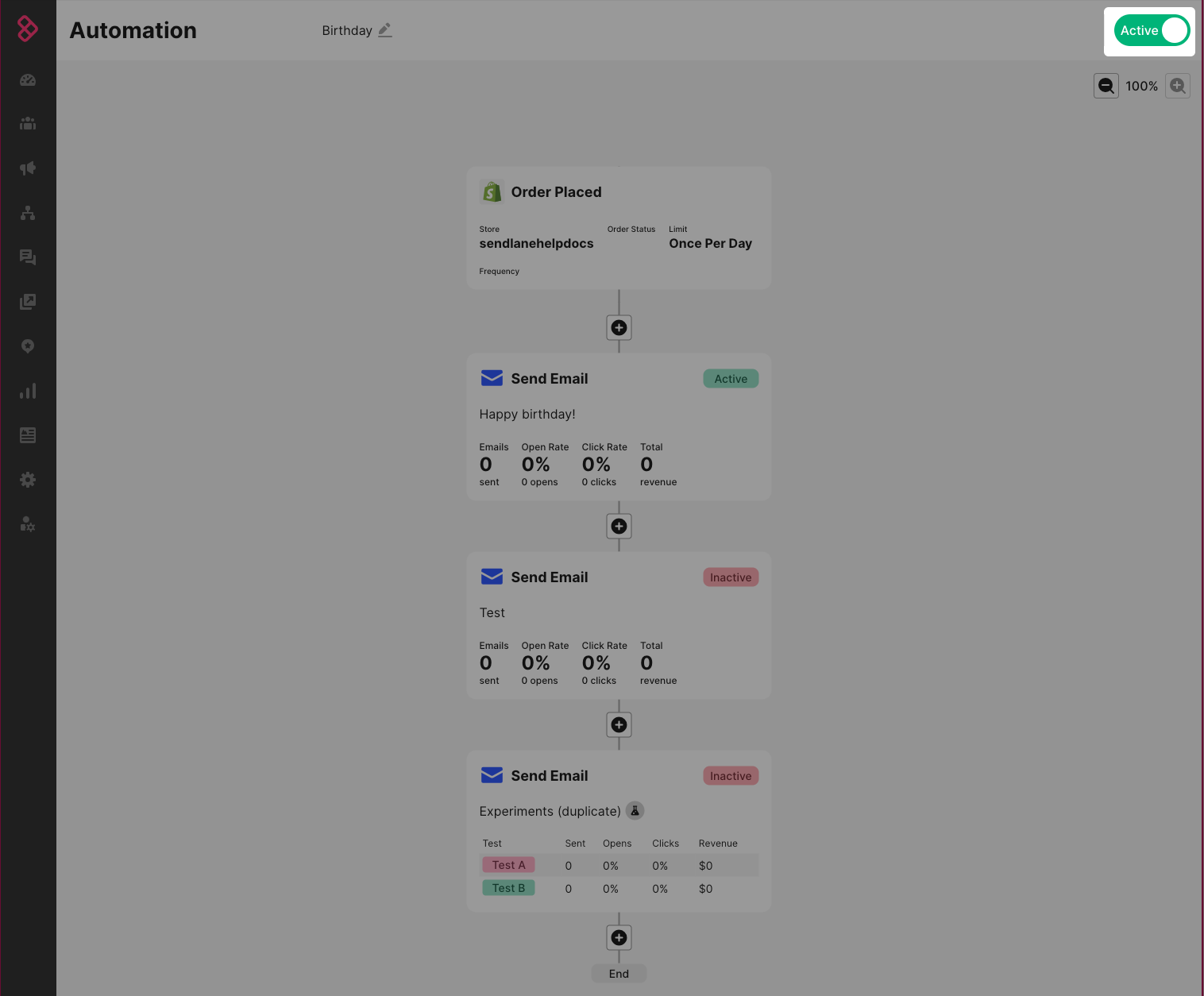
We recommend deactivating automations that you no longer need instead of deleting them. You can deactivate an automation by clicking the toggle in the top-right corner of the automation builder:
If you decide to delete an automation, click the trash can icon next to the automation you want to delete:
